Some links below are affiliate links. If you buy through them we may earn a small commission at no cost to you.
The best stylus for kids is the one that matches their actual tablet. An iPad takes a different stylus than a Fire tablet, and the fit matters more than the brand name on the box. If you want the short version: Apple Pencil (USB-C) is the top pick for iPad, and a basic capacitive stylus is the budget pick that works across most tablets.
The best stylus for kids depends on the tablet: Apple Pencil (USB-C) is the top pick for iPad (it works with the base iPad A16, not Apple Pencil Pro), and a basic capacitive stylus is the budget pick that works on Fire tablets and most other touchscreens.
The short answer
For an iPad, Apple Pencil (USB-C) is the top pick. It works with the base iPad (A16), though not with Apple Pencil Pro, so check which iPad you have before you buy. For a Fire tablet, or for any kid tablet without pressure-sensitive support, a basic capacitive stylus is the budget pick. It is not fancy, but it draws a line and survives getting dropped on the floor, which is most of what a kid needs from a stylus.
Our picks at a glance
| Pick | Best for | Price tier |
|---|---|---|
| Apple Pencil (USB-C) | iPad drawing and note-taking | Mid-range |
| Logitech Crayon | Classrooms and shared iPads | Mid-range |
| Basic capacitive stylus (disc tip) | Any touchscreen, tight budget | Budget |
| Fire-compatible capacitive stylus | Fire HD Kids and Fire HD Kids Pro | Budget |
| Amazon Kindle Scribe Premium Pen | Older kids who also use a Kindle Scribe | Premium |
| Chunky grip stylus for little hands | Preschool and early elementary | Budget |
| Two-in-one stylus and ballpoint pen | Kids who switch between paper and screen | Budget |
How we picked
None of these picks are based on hands-on testing. These are public, checkable facts you can verify yourself before you buy:
- Tip type: a soft rubber disc tip glides on glass screens, while a fine-point tip (used on Apple Pencil models) gives more drawing control but only works with compatible devices.
- Device compatibility: check the exact tablet model against the stylus listing. Apple Pencil (USB-C) works with the base iPad (A16) but not with Apple Pencil Pro features, and Fire tablets need a capacitive stylus, not an Apple Pencil.
- Durability for kid hands: look for a listing that mentions a reinforced or replaceable tip, since kids press harder than a stylus is usually designed for.
- Grip size and shape: a thicker barrel is easier for small hands to hold steady, which matters more for younger kids than any technical spec.
- Charging or battery needs: some styluses charge via cable, some use a battery, and some need no power at all. Check which one you are willing to keep track of.
- Age grading on the listing: many stylus listings note a general age range. That is a starting point, not a guarantee of fit.

Picks for iPad
Apple Pencil (USB-C)
Best for: kids drawing or taking notes on a base iPad.

Why it’s a good pick: it pairs and charges through USB-C, and it works with the base iPad (A16). It gives real pressure and tilt response for drawing apps, which a capacitive stylus cannot match.
Skip it if: your iPad is an older or different model, or if you were hoping for Apple Pencil Pro features. The base iPad (A16) does not support Apple Pencil Pro, so double check compatibility on Apple’s own site before buying.
Logitech Crayon
Best for: classrooms, shared family iPads, or kids who are rough on gear.
Why it’s a good pick: it is built with a flat edge so it does not roll off a desk, and it is a common pick for school iPad carts because it is sturdy and simple to hand between kids.
Skip it if: you want the most precise pressure sensitivity for serious drawing apps. Check the current Crayon listing for exact iPad compatibility before you order.
Basic capacitive stylus (disc tip)
Best for: any touchscreen tablet, including older iPads, Android tablets and Fire tablets.
Why it’s a good pick: it works on basically anything with a touchscreen, needs no pairing or charging, and costs little enough that losing it is not a crisis. For coloring apps and basic drawing, a disc tip is perfectly fine.
Skip it if: your kid wants fine detail work or pressure-sensitive shading. A capacitive stylus draws a flat, uniform line no matter how hard you press.

Picks for Fire tablets
Fire-compatible capacitive stylus
Best for: Fire HD Kids and Fire HD Kids Pro tablets.
Why it’s a good pick: Fire tablets do not support Apple Pencil or Pencil-style active styluses, so a capacitive stylus is really the only lane here. Many are sold specifically for Fire tablets and come in sturdy, kid-gripped shapes that match the kid-proof case Amazon ships with Fire HD Kids and Fire HD Kids Pro.
Skip it if: you are shopping for an iPad instead. A Fire stylus will technically work there too, but you would be giving up the pressure sensitivity an Apple Pencil offers.
Amazon Kindle Scribe Premium Pen (for older kids crossing over)
Best for: an older kid or tween who also uses a Kindle Scribe for notes or sketching, not for a Fire HD Kids tablet.
Why it’s a good pick: it is built specifically for Kindle Scribe’s screen and gives a paper-like writing feel that a plain capacitive stylus cannot replicate.
Skip it if: your kid only has a Fire HD Kids or Fire HD Kids Pro tablet. The Scribe Premium Pen is made for the Scribe line, not for Fire HD tablets.
Picks for little hands and mixed use
Chunky grip stylus for little hands
Best for: preschoolers and early elementary kids still building hand strength.
Why it’s a good pick: a wider barrel is easier to hold steady than a slim pen-style stylus, which matters more at this age than tip precision. Look for a soft, rounded tip since little ones tend to press hard.
Skip it if: your kid already draws comfortably with a standard pen grip. A chunky stylus can feel babyish to an older kid.
Two-in-one stylus and ballpoint pen
Best for: kids who go back and forth between paper and screen all day.
Why it’s a good pick: one end is a capacitive tip for the tablet, the other is a regular ballpoint for paper worksheets or coloring pages. It is one less thing to misplace in a backpack.
Skip it if: your kid needs serious drawing precision on the tablet side. The capacitive tip on these combo pens is usually basic.

Compare the best stylus for kids by type
| Product | Type | Best for | Standout strength | Price tier |
|---|---|---|---|---|
| Apple Pencil (USB-C) | Active stylus | iPad drawing and notes | Pressure and tilt sensitivity | Mid-range |
| Logitech Crayon | Active stylus | Shared or classroom iPads | Durable, non-rolling design | Mid-range |
| Basic capacitive stylus | Passive stylus | Any touchscreen | Works everywhere, no pairing | Budget |
| Fire-compatible capacitive stylus | Passive stylus | Fire HD Kids tablets | Matched to Fire HD grip and case | Budget |
| Kindle Scribe Premium Pen | Active stylus | Kindle Scribe users | Paper-like writing feel | Premium |
| Chunky grip stylus | Passive stylus | Little hands | Easier grip for small fingers | Budget |
| Two-in-one stylus and pen | Passive stylus | Paper and screen switching | Two tools in one barrel | Budget |
What to look for in a stylus for kids
Before you buy a stylus for kids, run through these checks. None of them require special knowledge, just a careful read of the product listing.
- Device match first: confirm the stylus is actually built for your kid’s tablet. An Apple Pencil will not work on a Fire tablet, and a Fire-compatible stylus will not give you pressure sensitivity on an iPad.
- Tip durability: kids are rough. A listing that mentions a replaceable or reinforced tip is worth the small extra cost over one that does not.
- Grip comfort over features: a stylus a kid actually wants to hold gets used. One with every feature but an awkward grip ends up in a drawer.
- Charging habits: decide if you want to manage charging a stylus battery, or if you would rather have something with no power needs at all.
- Age grading: treat any age range on a listing as a loose guide, not a rule. Some five-year-olds handle a slim pen just fine, and some eight-year-olds still prefer a chunky grip.
- What they’ll actually draw with it: a coloring app has different needs than a note-taking app. If drawing is the main use, prioritize tip precision over anything else.
Give that new stylus something to draw
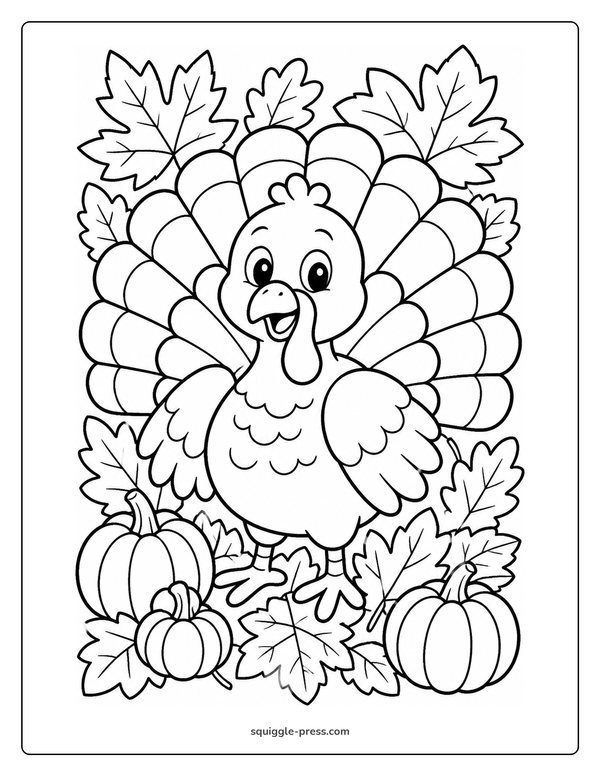
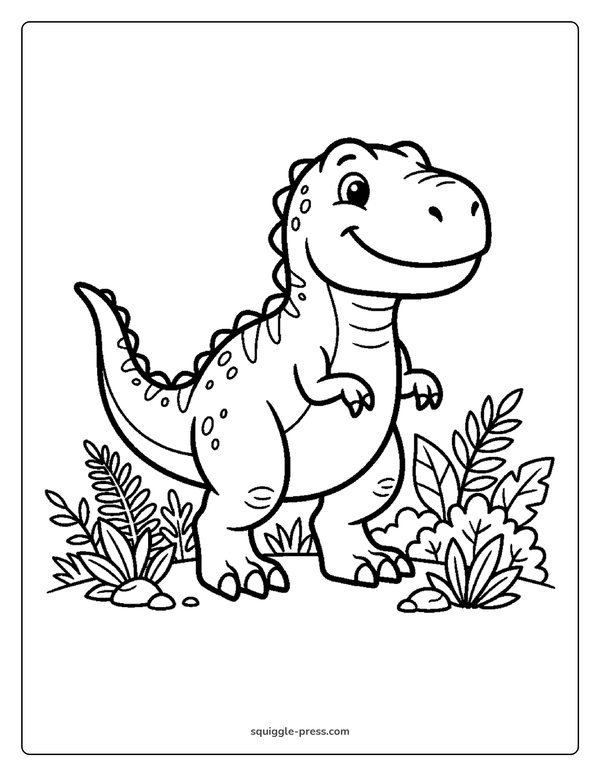
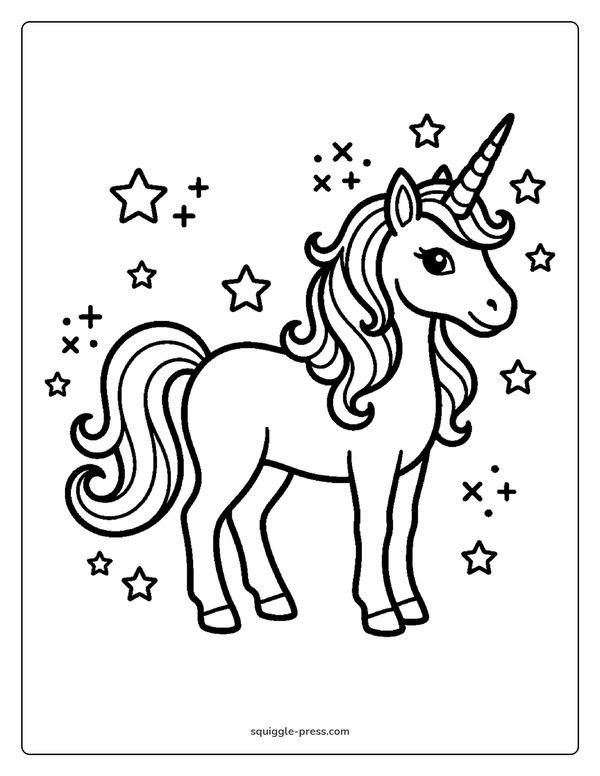
A new stylus is more fun with something ready to color right away. Our free library of printable coloring pages has 2,305 free pages you can send to a tablet or print at home. If your kid loves animals, the dog coloring pages hub and ocean animal coloring pages hub are good starting points, including favorites like Puppy with a Ball and Jumping Dolphin.
If your kid wants to go beyond coloring and start sketching their own lines, our free step-by-step drawing tutorials walk through simple shapes kids can follow stroke by stroke, including How to Draw a Dog and How to Draw a Dolphin.

Screen time and printed pages: covering both bases
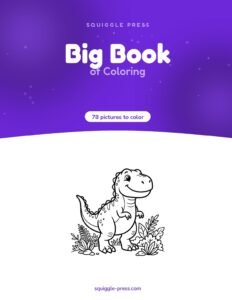
A stylus is great for screen drawing, but plenty of kids still color best with real paper and a marker in hand. If bleed-through on cheap paper is an issue at your house, our guide to which paper stops markers bleeding through walks through what to look for. Our own printed coloring books, like The Big Book of Coloring, use one-sided, coil-bound pages so markers never soak through to the next picture, which is a nice backup for days when the tablet is charging.
For more on choosing safe, age-appropriate art supplies in general, the American Academy of Pediatrics’ parent site HealthyChildren.org is useful further reading.
Related guides
If you are still deciding between a tablet and a stylus combo, our guides on the best tablet for kids drawing and the best iPad for coloring go deeper on the tablet side. Once the stylus is sorted, our list of best coloring apps for iPad rounds things out.
Whatever stylus ends up in that stocking or backpack, the goal is the same: something sturdy enough for a kid’s grip, matched to the tablet they actually have, and ready to make a mess of color the day it arrives.
Frequently asked questions
What is the best stylus for kids on an iPad?
Apple Pencil (USB-C) is the top pick for kids using a base iPad (A16). Logitech Crayon is a sturdy alternative often used in classrooms.
Can I use an Apple Pencil on a Fire tablet?
No. Fire tablets do not support Apple Pencil or similar active styluses. A basic capacitive stylus is the right choice for Fire HD Kids and Fire HD Kids Pro tablets.
Does the base iPad work with Apple Pencil Pro?
No. The base iPad (A16) works with Apple Pencil (USB-C) but not with Apple Pencil Pro, so check compatibility before buying either one.
What should I look for in a stylus for a young child?
Look for a wider, chunky grip, a soft rounded tip, and confirmation that the stylus matches your exact tablet model. Precision features matter less than comfortable grip for younger kids.
Is a cheap capacitive stylus good enough for coloring apps?
For basic coloring apps, yes. A capacitive stylus draws a flat line without pressure sensitivity, which is enough for simple coloring but limited for detailed shading.
Every Squiggle Press book: 40 printable PDFs for $9.99
Kids coloring books, adult coloring books, drawing tutorials & sticker packs. Over $150 if bought separately. Print unlimited copies forever.
Get the bundle →