Some links below are affiliate links. If you buy through them we may earn a small commission at no cost to you.
The best drawing tablet for teens depends on whether they want to draw on a screen or draw on a pad while looking at a monitor. Both work. One costs less and takes a little getting used to, the other feels more natural right away but costs more.
The Wacom Intuos is the best drawing tablet for teens overall, a screenless pad that works with free software and teaches core skills. For budget shoppers, the XP-Pen Deco series offers the same screenless experience for less, while an iPad with Apple Pencil suits teens who want portability over a desk setup.
If your teen is already sketching on paper and asking for something digital, you have three real options: a screenless pen tablet, a pen display, or an iPad with a pencil. Here is how each one fits different budgets, skill levels, and setups.
The short answer
For most teens starting out, the Wacom Intuos is the top pick. It pairs with free software like Krita, teaches real pen-tablet skills, and does not cost a fortune if they decide digital art is not their thing after all. If budget is the main concern, the XP-Pen Deco series gets you a similar screenless experience for less.

Our picks at a glance
| Pick | Best for | Price tier |
|---|---|---|
| Wacom Intuos | Beginners learning hand-eye coordination | Budget to mid-range |
| XP-Pen Deco series | Budget-conscious first tablet | Budget |
| Huion Inspiroy series | Extra buttons and shortcuts | Budget |
| iPad (A16) with Apple Pencil (USB-C) | Portability and casual drawing | Mid-range |
| Wacom One (pen display) | Drawing directly on screen, lower cost | Mid-range |
| XP-Pen Artist series (pen display) | Bigger screen for the price | Mid-range |
| Huion Kamvas series (pen display) | Serious students wanting a screen | Mid-range to premium |
| iPad Pro with Apple Pencil Pro | Teens who want pro-level portability | Premium |
How we picked
Every product here can be checked against public facts before you buy. We looked at:
- Tip type and pressure sensitivity: does the pen register how hard your teen presses, and does it use a standard nib that is easy to find replacements for.
- Screen vs. screenless: whether the teen draws directly on the image or on a separate pad while looking at a monitor.
- Software compatibility: whether it works with free programs like Krita or needs a paid app.
- Need for a computer: some of these are standalone, most are not.
- Age and skill fit: whether a product is built for someone just starting out or for a teen who already knows their way around a drawing program.
- Portability: whether it needs a desk setup or can go in a backpack.
Screenless pen tablets: the best drawing tablet for beginners
A screenless pen tablet is a flat pad that connects to a computer. You look at the monitor while drawing on the pad, the same way a mouse works but with a pen. It sounds odd until you try it, then it clicks fast, usually within a day or two. These are also the best drawing tablet for beginners because they cost less and the skills transfer directly to pen displays later.
All of these need a laptop or desktop computer. None of them work alone.
Wacom Intuos
Best for: A teen’s first serious drawing tablet.
Why it’s a good pick: Wacom basically invented this category, and the Intuos line is the one most art schools and online tutorials assume you own. It works with Krita, Clip Studio Paint, Photoshop, and most other drawing software, and the pen uses pressure sensitivity so lines get thicker or thinner depending on how hard your teen presses.
Skip it if: Your teen wants to see their lines appear exactly where their hand moves. The disconnect between pad and screen frustrates some beginners for the first week.
XP-Pen Deco series
Best for: Getting a screenless tablet without stretching the budget.
Why it’s a good pick: XP-Pen built its name on offering Wacom-like features at a lower price tier. The Deco series uses a battery-free pen, which means no charging a stylus before a drawing session, and it pairs with the same free software options as the pricier brands.
Skip it if: Your teen wants brand-name software bundles or wants to resell it later. Wacom holds resale value better.
Huion Inspiroy series
Best for: Teens who like customizable shortcut buttons.
Why it’s a good pick: Huion tablets in the Inspiroy line typically include several programmable buttons on the side, so a teen can map shortcuts like undo, zoom, or brush size instead of reaching for the keyboard constantly. That speeds up workflow once they know what they are doing.
Skip it if: Your teen is brand new to digital art. Extra buttons mean nothing until you know what you are mapping them to.


iPads: the best drawing tablet with screen for teens on the go
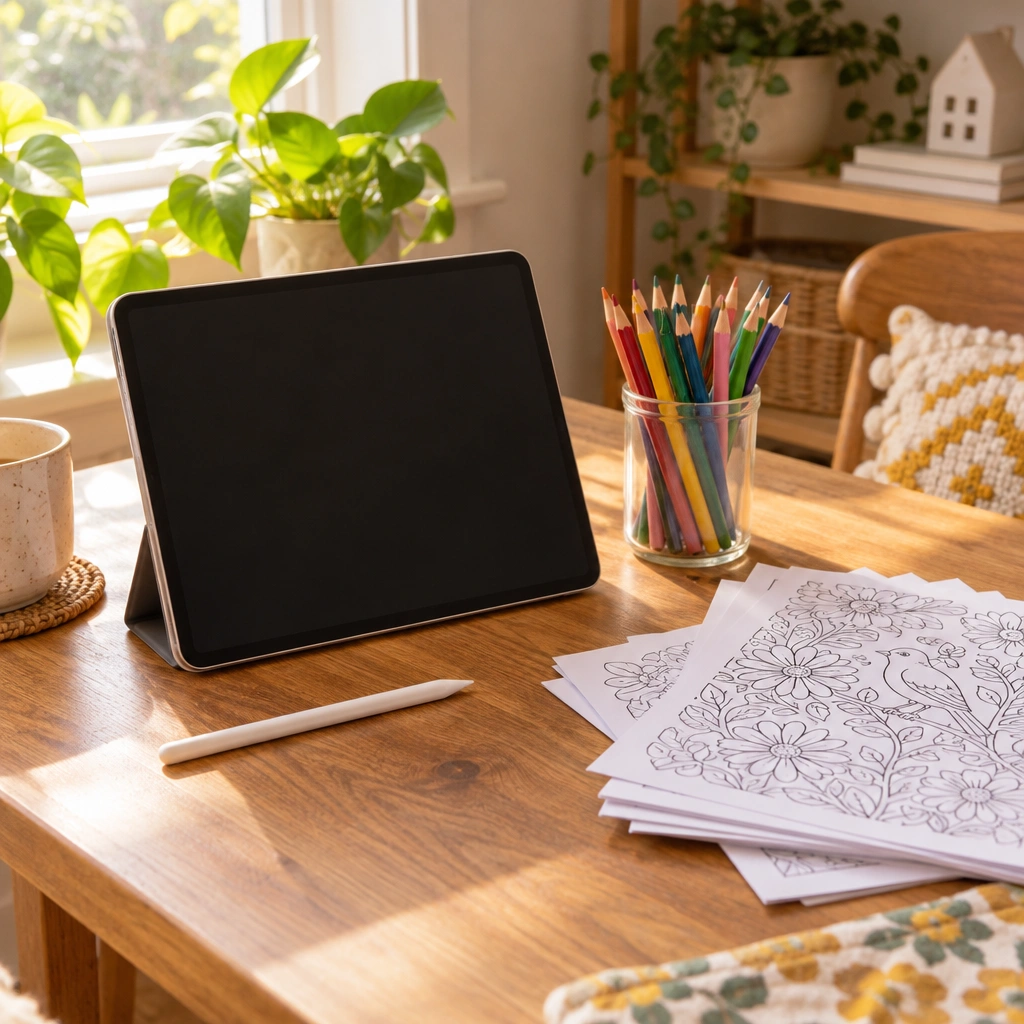
An iPad with a pencil draws like paper: you look at the tip and the line appears right there. No separate computer needed. That makes an iPad the best drawing tablet with screen for a teen who wants to draw on the couch, in the car, or at a friend’s house. The tradeoff is cost, especially once you add the pencil.
iPad (A16) with Apple Pencil (USB-C)
Best for: A teen who wants an iPad for school and art without the premium price.
Why it’s a good pick: This is Apple’s entry-level iPad, and it works well with apps like Procreate, Notability, and Adobe Fresco. It is a standalone device, no computer required.
Skip it if: You are set on using Apple Pencil Pro. The base iPad (A16) pairs with Apple Pencil (USB-C) only, not with Apple Pencil Pro, so if your teen wants the Pro pencil’s extra features like barrel roll or squeeze gestures, you will need a different iPad.
iPad Pro with Apple Pencil Pro
Best for: A teen who is serious about digital art and wants pro-level tools in a portable package.
Why it’s a good pick: The iPad Pro supports Apple Pencil Pro, which adds gesture controls that speed up switching tools mid-drawing. Combined with Procreate, this is about as close as a tablet gets to a professional illustration setup without plugging into a computer.
Skip it if: Your teen is still deciding whether digital art is a hobby or a habit. This tier makes more sense once you know they will stick with it.
Pen displays: best drawing tablet with screen for a desk setup
A pen display is a screen you draw on directly, like a digital canvas, but it plugs into a computer rather than running on its own. It combines the natural feel of an iPad with the full software library of a desktop, which matters if your teen wants to use specific programs their art teacher or online course requires.
These all need a computer to run. Check your computer’s ports before buying, since some connect over USB-C and some need an HDMI cable too.
Wacom One (pen display)
Best for: Stepping up from a screenless tablet to drawing directly on screen.
Why it’s a good pick: Wacom’s One line is built as an entry point into pen displays, priced below their professional Cintiq line while keeping the same pressure-sensitive pen technology. It is a sensible next step for a teen who outgrew a screenless Intuos.
Skip it if: Your teen already has an iPad. You would be buying the same basic function twice.
XP-Pen Artist series (pen display)
Best for: A bigger drawing screen without a premium price tag.
Why it’s a good pick: The Artist series gives you a dedicated drawing screen at a mid-range price, which matters if your teen has been asking for “more room to work” on a smaller screenless pad.
Skip it if: Desk space is tight. Pen displays need a stand and cable management that screenless pads do not.
Huion Kamvas series (pen display)
Best for: A teen who has outgrown entry-level gear and wants something closer to industry standard.
Why it’s a good pick: The Kamvas line sits in Huion’s higher tier, with screens aimed at users who already know their software and want accurate color and a responsive pen without jumping straight to the most expensive pen displays on the market.
Skip it if: Your teen is still a beginner. This is a step up, not a starting point.
Do you need a computer for a drawing tablet?
Screenless pen tablets (Wacom Intuos, XP-Pen Deco, Huion Inspiroy) and pen displays (Wacom One, XP-Pen Artist, Huion Kamvas) all need a laptop or desktop to run. The software lives on the computer, not the tablet. An iPad is different: it is a standalone computer itself, so an iPad with a pencil needs nothing else to draw, just the device and the stylus.
If your household already has a laptop your teen can use regularly, a screenless tablet or pen display stretches your budget further. If a shared family computer is not realistic, an iPad solves that problem on its own.
Comparison table: facts you can check
| Product | Type | Best for | Standout strength | Price tier |
|---|---|---|---|---|
| Wacom Intuos | Screenless pen tablet | First-time digital artists | Widely supported by tutorials and software | Budget to mid-range |
| XP-Pen Deco series | Screenless pen tablet | Budget-conscious beginners | Battery-free pen, lower cost | Budget |
| Huion Inspiroy series | Screenless pen tablet | Shortcut-button users | Programmable side buttons | Budget |
| iPad (A16) with Apple Pencil (USB-C) | Pen display, standalone | Portability on a budget | Doubles as a school device | Mid-range |
| Wacom One | Pen display | Entry into drawing on screen | Trusted pen tech at lower tier | Mid-range |
| XP-Pen Artist series | Pen display | Bigger screen, mid-range price | More drawing area for the cost | Mid-range |
| Huion Kamvas series | Pen display | Advancing students | Higher-tier screen accuracy | Mid-range to premium |
| iPad Pro with Apple Pencil Pro | Pen display, standalone | Serious, portable art practice | Pencil Pro gesture controls | Premium |

What to look for in the best drawing tablet for teens
- Pressure sensitivity: look for a pen that registers varying pressure levels so lines naturally thicken and thin. Nearly everything above entry-level screenless pads has this now.
- Software your teen will actually use: check what program their art class or favorite tutorial channel uses before buying hardware. Krita is free and works with almost everything here, Procreate is iPad-only, Clip Studio Paint runs on both.
- Screen vs. screenless, honestly: if your teen has never used a drawing tablet, screenless is the gentler, cheaper way in. If they already draw on a phone or tablet touchscreen, a pen display will feel more familiar immediately.
- Portability needs: a screenless tablet and a laptop is still more to carry than a single iPad. Think about where they will actually draw: bedroom desk, kitchen table, car rides.
- Pencil compatibility if you choose an iPad: the entry-level iPad (A16) only works with Apple Pencil (USB-C), not Apple Pencil Pro. Check this before buying a pencil separately.
- Room to grow: a budget screenless tablet is not a dead end. Teens often use one for a year or two before moving to a pen display, and the skills carry over directly.
Drawing tablet vs. iPad for drawing: which should you choose
A drawing tablet (screenless or pen display) connects to a computer and usually costs less for the same level of pen responsiveness. An iPad is an all-in-one device: screen, computer, and drawing surface together, which costs more but means one less cable, one less app install, one less thing to set up.
If your teen already has a computer and wants to dip a toe into digital art, start with a screenless tablet. If they want something they can grab and draw with anywhere, the iPad path makes more sense, just budget for the pencil separately and double-check which pencil pairs with which iPad.
A good gift, with paper to back it up
A drawing tablet is a strong drawing tablet gift for a teenager, but pairing it with something to practice fundamentals on paper first is not a bad move either. Our free step-by-step drawing tutorials cover the same basic shapes and proportions that translate directly to digital art, including how to draw a unicorn and how to draw a pegasus, both good warm-ups before opening a drawing app.
If you are shopping for a younger sibling too, our guide to the best tablet for kids drawing covers sturdier, simpler options built for younger hands. And if a tablet is one gift among several on your list, our art gifts for teens guide has more ideas in different price ranges.

Try your supplies on free pages first
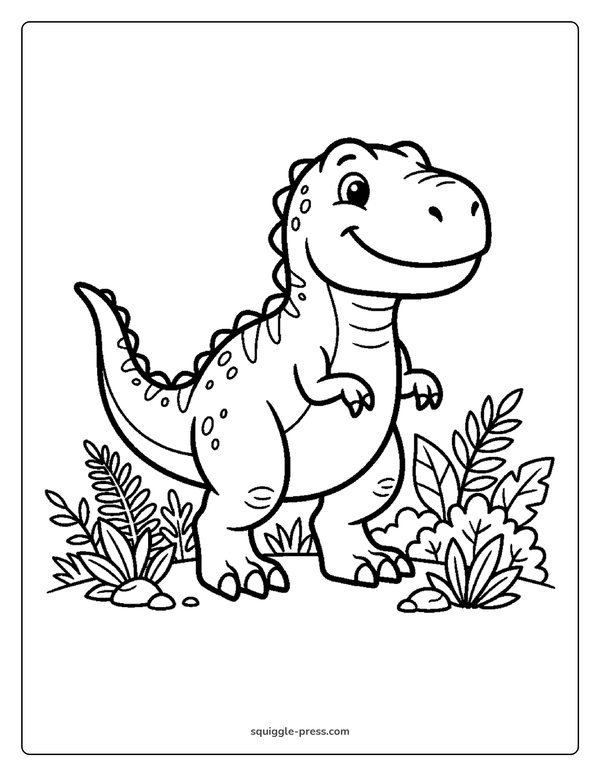
Before your teen commits to a drawing program, it helps to warm up on paper with no pressure to get it perfect. Our free printable coloring pages library has thousands of designs to print at home, and the dinosaur coloring pages hub and unicorn coloring pages hub are good starting points if your teen likes fantasy or creature designs. Try pages like Cute T-Rex or Unicorn with Stars to practice shading and line weight before moving those same skills to a screen.
If your teen prefers working from a printed book instead of loose pages, our own Celestial Dreams coloring book is printed one-sided and coil-bound, so it lays flat on a desk next to a tablet for reference.
For more on choosing safe, age-appropriate art supplies in general, healthychildren.org has useful background reading, and your teen’s art teacher is also a solid resource for what software or hardware a specific class actually requires.
FAQ
Closing
There is no single right answer here, just the right fit for how your teen already likes to work. A screenless tablet rewards patience and saves money, a pen display feels natural faster, and an iPad goes anywhere. Any of these, paired with a little practice, is a solid way to get a teen’s ideas off paper and onto a screen.
Frequently asked questions
What is the best drawing tablet for beginners?
A screenless pen tablet like the Wacom Intuos or XP-Pen Deco series is the gentlest entry point. It costs less than a pen display or iPad and teaches the pen-and-pad coordination that carries over to every other drawing tool later.
Drawing tablet vs iPad for drawing, which is better for a teen?
A drawing tablet needs a computer and generally costs less for the same pen quality. An iPad is a standalone device that draws like paper, with the Pencil attached, but costs more once you add the stylus.
Do you need a computer for a drawing tablet?
Screenless pen tablets and pen displays both need a laptop or desktop to run the drawing software. An iPad does not, since it is a standalone computer itself.
What is the best cheap drawing tablet?
The XP-Pen Deco series and Huion Inspiroy series are both budget-friendly screenless pen tablets that use battery-free pens and work with free software like Krita.
Does the base iPad work with Apple Pencil Pro?
No. The entry-level iPad (A16) works with Apple Pencil (USB-C) only, not Apple Pencil Pro. If your teen wants Pencil Pro features, you need an iPad Pro.
Is a drawing tablet a good gift for a teenager?
It can be a strong drawing tablet gift for a teenager who has shown interest in art, especially paired with free tutorials or practice paper so they can build fundamentals before relying fully on software.


Every Squiggle Press book: 40 printable PDFs for $9.99
Kids coloring books, adult coloring books, drawing tutorials & sticker packs. Over $150 if bought separately. Print unlimited copies forever.
Get the bundle →