
Some links below are affiliate links. If you buy through them we may earn a small commission at no cost to you.
Looking for screen-free activities for kids that actually work — not just “things parents wish kids would do”? After watching hundreds of households try to reduce screen time, here are the 5 best screen-free activities for kids that hold up in real homes: easy to set up, low parental supervision, and engaging long enough to make screen-free time actually feel doable.
Why most screen-free activities for kids fail
Three failure modes that kill the practice:
- Too much parental setup. If the activity needs 10 minutes of adult prep, parents quit by week two.
- Too much supervision required. Kids who need a parent next to them the whole time aren’t really screen-free — they just shifted the burden.
- Boring after 15 minutes. Open-ended “draw something” or “play with toys” works for some kids; for most, it dies fast.
The screen-free activities for kids that actually stick share three traits: quick to start (under 60 seconds), self-directed (kid runs it solo), and has a clear endpoint (a finished page, a built thing, a level completed). That’s what we’re optimizing for below.

The 5 best screen-free activities for kids
1. Coloring books and printable coloring pages
The gold standard. Sit down, open the book, color. Zero prep, zero supervision required for kids 5+, and the activity has a clear “I’m done with this page” endpoint that builds completion satisfaction.
Why it works for screen-free time:
- Self-paced — kids stop when they want
- Structured creativity (lines to color within) without decision fatigue
- Pages stack up into a portfolio over time — reinforcement
Best for ages 4-12. See our beginner supplies guide for the under-$30 kit that gets kids started.
2. Step-by-step drawing tutorials
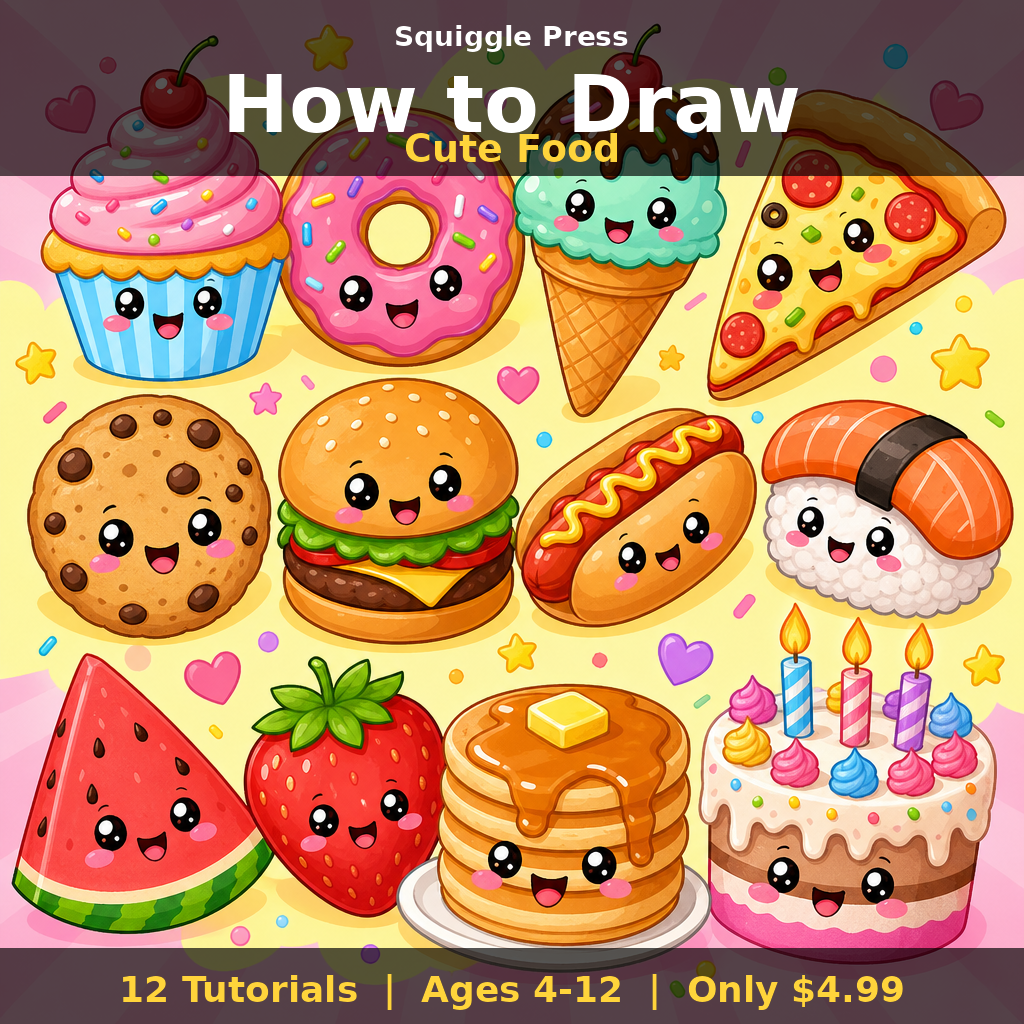
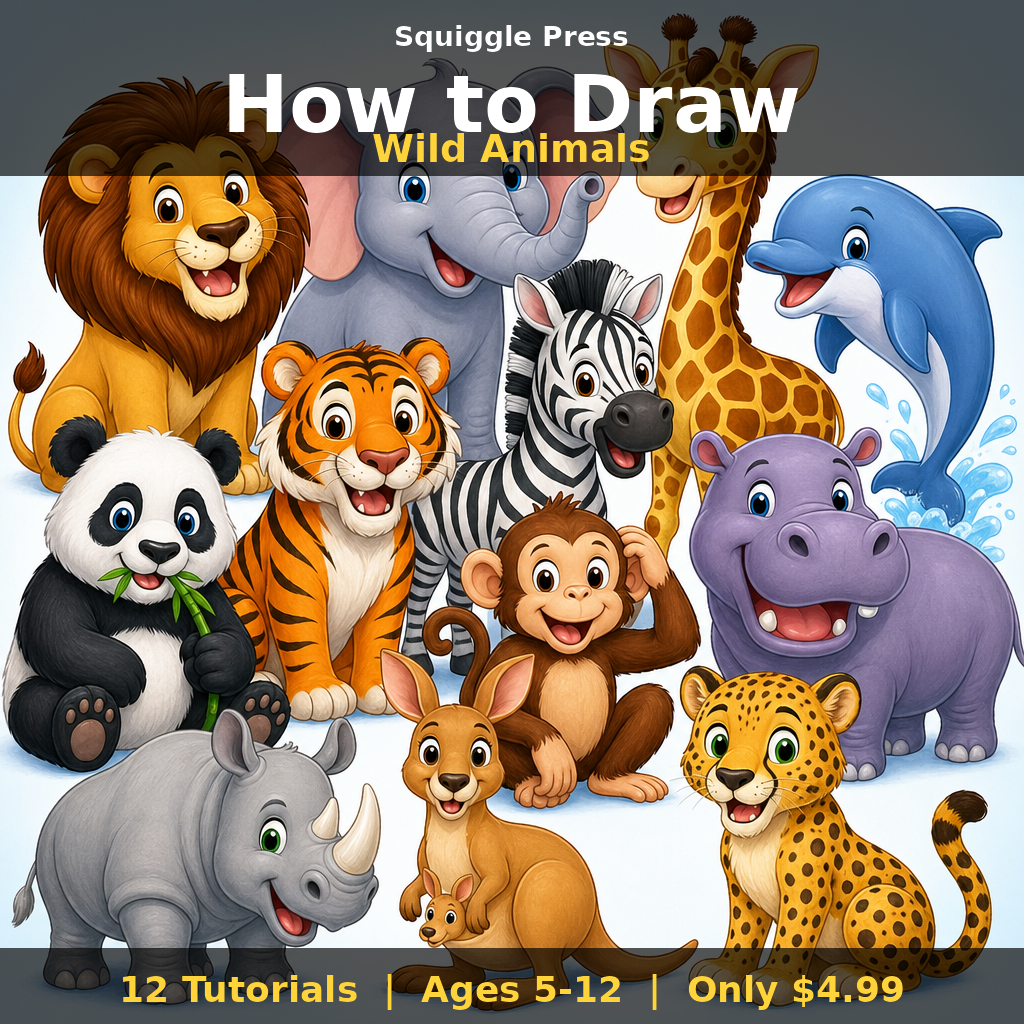
Printables that show “draw a fox in 4 steps” with each step pictured. Kid copies one step at a time. Engages even kids who claim they “can’t draw.”
Why it works: built-in scaffolding reduces “I don’t know what to draw” friction. Each completed step is a small win. Even reluctant artists finish a 4-step printable that they’d never finish a blank sketchbook page.
Especially good for kids with ADHD — see our ADHD-friendly drawing tutorials writeup for the breakdown.
3. Sticker books and sticker activity sheets
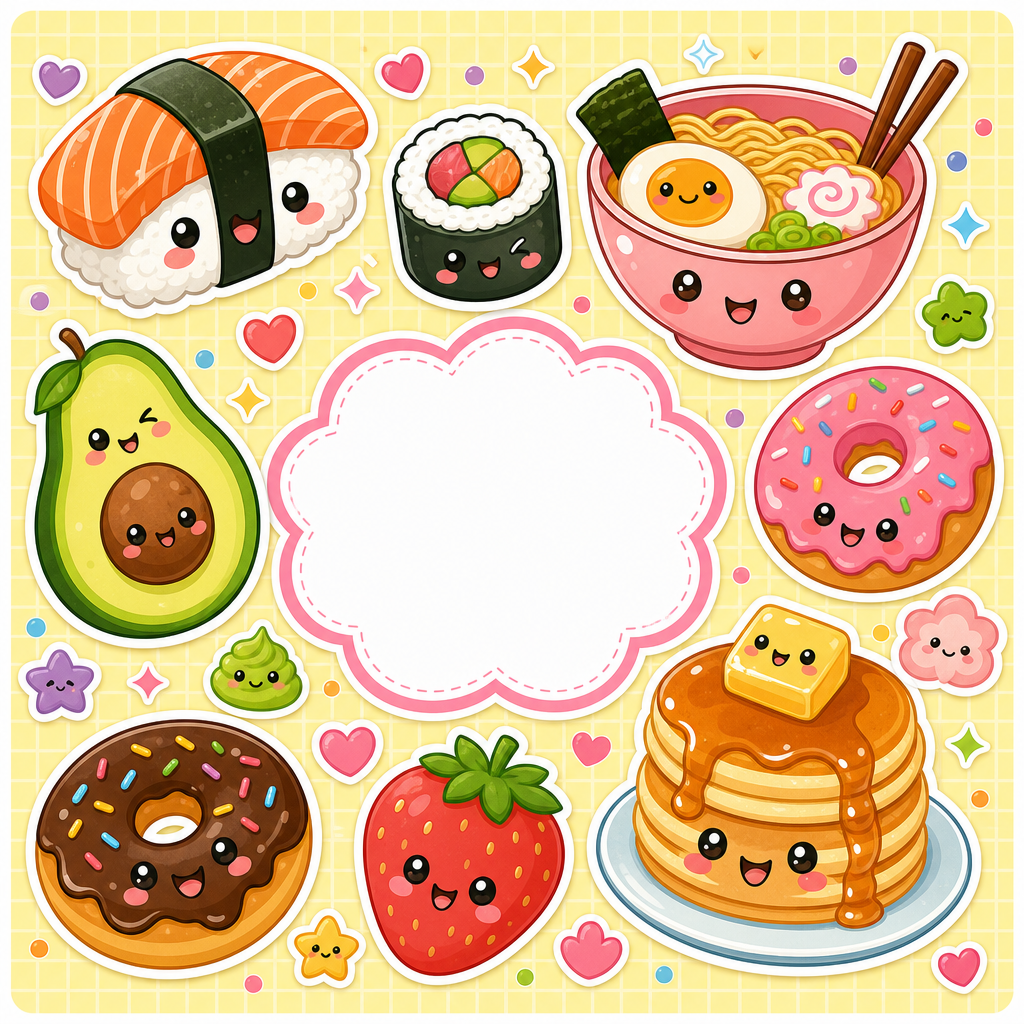
Printable or pre-made sticker books with themes (animals, food, vehicles). Kid peels and places stickers into designated zones or freeform.
Why it works: tactile, low-skill-floor, no mess. 3-year-olds can do simple sticker placement; 8-year-olds can build elaborate sticker scenes. Massive engagement range.
Best for ages 3-10. Sticker books are also one of the easiest screen-free activities for kids to travel with — they fit in any bag.
4. LEGO / building sets with project cards
LEGO Classic boxes, magnetic tiles, or any building set with photo “instruction cards” of completed builds. Cards give kids a target without requiring strict step-by-step builds.
Why it works: 3D, kinesthetic, high attention-holding, builds spatial reasoning. Strong “I built this” identity boost when complete.
Best for ages 4-12. Adult supervision helpful for ages 4-5; older kids work solo. Downside vs printables: takes more space, more expensive upfront ($30-100 to start).
5. Outdoor activity prompts (yard scavenger hunt, nature journaling)
Printed prompts: “find 5 different leaves,” “draw 3 things in the yard,” “collect rocks of different sizes.” Combines outdoor time with structured activity.
Why it works: physical movement + cognitive task + tangible result. Works for kids ages 4-12 with appropriate prompts. Weatherproof: laminate prompt cards or use a sketchbook with a pencil tied to it.
Bonus: combines physical activity with creative work — exactly the screen-free balance pediatricians recommend.
What about reading?
Reading is the obvious sixth answer and it deserves its own callout. The reason it’s not on the main list above: reading is wonderful when kids already love it. For kids who don’t, “go read a book” often becomes the activity equivalent of asking them to do homework. The screen-free activities for kids above are designed to be engaging FIRST, so reading-resistant kids still build screen-free habits.
Once they’re regularly doing coloring/drawing/building, reading becomes easier to introduce as one option among many. Don’t make it the only fallback.
Screen-free activities for kids by age range
| Age | Best activities | Avg session length |
|---|---|---|
| 3-5 | Sticker books, simple coloring, large LEGO Duplo | 10-20 min |
| 6-8 | Coloring books, drawing tutorials, LEGO Classic, scavenger hunts | 20-40 min |
| 9-12 | Detailed coloring, multi-step drawing, complex builds, nature journaling | 30-60 min |
| 13+ | Adult-style coloring books, sketchbooks, advanced LEGO, photography | 30-90 min |
Don’t force a 12-year-old to do toddler activities. Sticker books for a 4-year-old work; the same kid at 11 needs something more complex.
Setting up a “screen-free station”
The single highest-leverage setup tip: create one dedicated zone with all materials accessible.
- One basket or drawer. Coloring books on the left, drawing pads in the middle, sticker books on the right. Kid grabs what they want.
- Supplies in a tackle box. See our storage guide for the under-$25 setup.
- Visible from the main living area. Hidden activities don’t get done. Visible activities get tried.
- One designated “finished work” folder. So pages don’t pile up and discourage continued use. Our what-to-do-with-finished-pages guide covers display options.
Common parent mistakes
- Buying too many activities at once. Pick 2-3, see what sticks. Storage and decision fatigue kill engagement otherwise.
- Pre-loading too many rules. “You have to finish a page before stopping.” Defeats the calm-down purpose. Let kids stop when they want.
- Making screen-free time feel like punishment. “No iPad! Go draw!” makes drawing feel like a punishment. Better: offer activities as one option among several.
- Buying premium supplies for kids under 8. Wasted money. Standard Crayola pencils work fine until kids ask for upgrades themselves.
- Skipping the “set up the station” step. If they can’t see the activities, they won’t do them.
Combining screen-free activities for kids with everyday routines
Three slots where these slot in easily:
- 30 minutes before dinner. Catches the “I’m bored and hungry” zone perfectly.
- Saturday/Sunday morning. Kids wake up; activities ready on the table.
- Long car rides. Lap-friendly activities (sticker books, drawing pads) reduce screen time during travel.
The Wikipedia overview of screen time research covers the academic case for screen-free practice if you want to go deeper.
How long should screen-free time be?
Pediatric guidance varies, but a practical floor for school-age kids:
- Ages 3-5: 60+ minutes/day non-screen, broken into multiple sessions
- Ages 6-12: 90+ minutes/day non-screen, ideally including outdoor time
- Teens: 60+ minutes/day non-screen — harder to enforce, easier to model
You don’t need to hit these every day. Average across a week works. The 5 best screen-free activities for kids on this list make hitting the targets realistic instead of aspirational.
FAQ
What if my kid refuses screen-free activities? Start with 10 minutes. Stay calm if they resist. Sit and do an activity yourself — modeling works better than enforcing.
Are paid printables worth it vs free ones? For kids, free is usually fine — see our free vs paid guide. Quality matters more for marker users than pencil users.
How do I know if an activity is working? Kid asks for it without prompting. That’s the signal.
What if I work from home and can’t supervise? Pick the most self-directed activities (coloring, sticker books). Set them up before you start work calls.
Bottom line
The 5 best screen-free activities for kids are coloring books, drawing tutorials, sticker books, building sets, and outdoor activity prompts. Pick 2-3 that match your kid’s age, set up a visible station with materials accessible, and slot the activities into routine windows (pre-dinner, weekend mornings). Skip premium supplies for young kids, skip forced rules, and let kids run sessions self-directed. The activities that stick are the ones with low setup and clear endpoints.

Every Squiggle Press book — 40 printable PDFs for $9.99
Kids coloring books, adult coloring books, drawing tutorials & sticker packs. Over $150 if bought separately. Print unlimited copies forever.
Get the bundle →