Trying to print coloring book on cardstock at home and getting jams, smudges, or weird color shifts? You’re not alone — most home printers can handle cardstock, but they need the right settings and the right paper weight. Here are the 5 best settings to print coloring book on cardstock reliably, the weights that actually work, and the printer types to avoid.
Why print coloring book on cardstock at all
Standard 20 lb printer paper works fine for colored pencils. The reason to upgrade to cardstock:
- Markers won’t bleed through. The biggest win. Alcohol markers (Copic, Ohuhu) ruin standard paper. They behave on 80+ lb cardstock.
- Watercolor pencils don’t warp the page. Cardstock can take light water without buckling.
- Pages feel like a “real” coloring book. Thicker paper sets a tactile cue that this is something worth caring about.
- Pages survive being flipped and stored. Standard paper softens and tears at the edge.
If you’re not yet using markers or watercolor pencils, regular paper is fine for now — see our markers vs pencils guide before upgrading.
The 5 best settings to print coloring book on cardstock
1. Paper type: “Cardstock” or “Heavy paper”
Every modern printer has a paper type setting. Set it to “Cardstock” if available, or “Heavy paper” / “Heavyweight” otherwise. This tells the printer to slow the rollers and increase ink saturation. Standard “Plain paper” setting on cardstock = light, blotchy output. This is the #1 reason people give up trying to print coloring book on cardstock — wrong setting, not wrong printer.
On Mac: Print dialog → Show Details → Paper Type. On Windows: Printer Properties → Media Type. On most inkjet printers there’s also a dedicated “Photo Paper” setting that works well for 100+ lb cardstock.
2. Quality: “Best” or “High”
Bump quality up from the default Normal/Standard. Cardstock benefits from the slower print head pass and the higher ink density. Yes, it uses more ink — but you’re not printing 50 pages, you’re printing 5-10 you’ll actually color.
3. Paper feed: Manual / Rear feed if available
The single biggest cause of cardstock jams: front feed trays. Cardstock is rigid and doesn’t curve around a tight roller path well. If your printer has a rear/back feed slot or a manual feed tray that loads paper straight through, use it.
If your printer only has front feed, load 1-2 sheets at a time, not a full stack.
4. Black ink only (for line art)
Coloring book pages are typically pure black line art. Set the printer to “Black ink only” or “Grayscale” to avoid color cartridge wear and produce crisper black lines. Color ink overlays can leave a slight tint on the outlines that fights with your coloring.
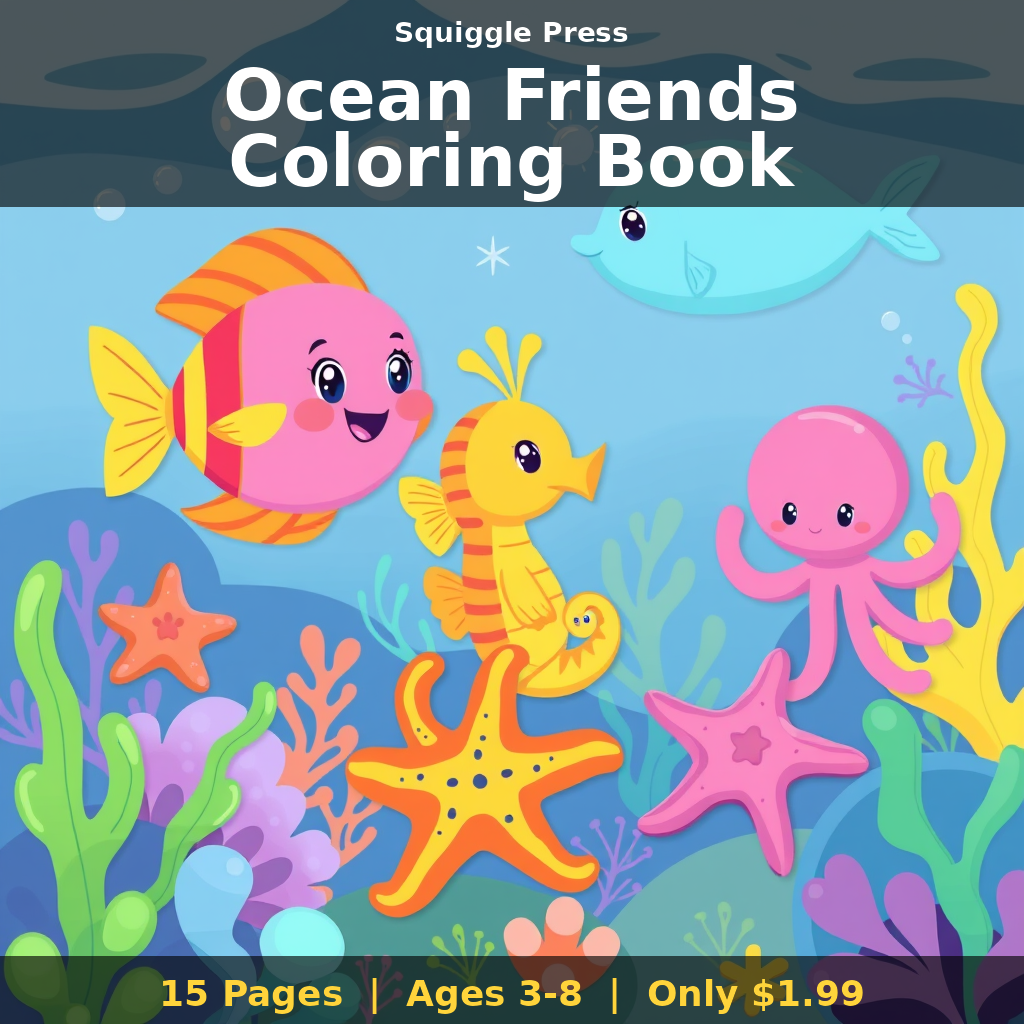
5. Borderless OFF (for now)
Borderless printing pushes ink right to the page edge but increases jam risk on cardstock. Use standard margins for the first few prints. Once you have the setup dialed in, you can experiment with borderless.
What weight of cardstock to print coloring book on
The right weight depends on your medium:
| Your medium | Recommended weight |
|---|---|
| Colored pencils only | 60-70 lb (standard text weight is fine) |
| Markers (water-based) | 80 lb cardstock |
| Markers (alcohol — Copic, Ohuhu) | 100 lb cardstock or marker pad |
| Watercolor pencils | 90-110 lb cardstock |
| Mixed media / pen + marker | 100-110 lb cardstock |
Note: paper weights in pounds (lb) are not standardized across categories. “Cardstock” 80 lb is heavier than “text” 80 lb. Look for GSM if available — 200-270 GSM is the sweet spot for most coloring use. See our best paper for coloring books guide for brand-specific picks.
Print coloring book on cardstock — printer types ranked
Not all home printers handle cardstock equally:
- Best: All-in-one inkjet with rear feed. Most Canon PIXMA, Epson EcoTank, HP OfficeJet Pro models. Look for a rear feed slot specifically.
- Good: Laser printers. Lasers handle cardstock reliably and never smudge. The downside: most home lasers do black-and-white only, which is fine for line art. Brother HL-L2350DW is a popular budget pick.
- Mediocre: Front-feed inkjets. Work, but jam more often. Load 1-2 sheets at a time.
- Skip: Photo-only mini printers and “instant” printers. Not designed for standard cardstock at all.
For our full home-printing setup, see how to print coloring books at home.
Cardstock weights to actually buy
Three reliable options if you want to print coloring book on cardstock without research overload:
- HP Premium 32 lb (120 GSM). Cheapest “step-up” from standard. Available everywhere. Good for water-based markers; not enough for alcohol markers.
- Neenah Bright White Cardstock 65 lb (176 GSM). The mid-range gold standard. Most coloring book printers use this weight. Good for all mediums except heavy alcohol markers.
- Hammermill 100 lb Cardstock (270 GSM). The “anything goes” option. Slightly more expensive, but every medium works on it including pen-and-ink and alcohol markers.
If you’re going to print coloring book on cardstock regularly, buy 250 sheets of Neenah 65 lb. It covers 80% of use cases.
How printable PDFs and cardstock interact
If you’re printing a PDF coloring book purchased online, two settings matter inside your PDF viewer:
- “Actual size” or “100%”, not “Fit to page.” Auto-fitting often shrinks designs by 4-5% to add white margins, which makes pages look weird against a “real” coloring book.
- Page Setup → Borderless off for cardstock prints (per the setting above).
The Wikipedia paper density overview has a useful primer on why lb and GSM differ across paper types — handy if you’re shopping internationally.
Common mistakes when printing on cardstock
- Loading too many sheets. Cardstock doesn’t slip past itself in stacks. Limit to 10 sheets max on rear feed, 1-2 on front feed.
- Skipping the paper type setting. Default = jammed or light prints. Always set Heavy / Cardstock.
- Using duplex on heavy cardstock. Front + back printing on 100 lb cardstock usually jams. Print single-sided.
- Printing wet pages back-to-back. Even on cardstock, ink needs 30 seconds to dry before stacking. Let pages air-dry between prints.
- Cheap cardstock from random brands. Stick to Neenah, Hammermill, HP, or Mohawk. Generic “white cardstock” from craft stores often has inconsistent finish that causes inkjet pooling.
FAQ
Will cardstock void my printer warranty? No — modern printers explicitly support cardstock up to specified weights. Check your manual for the max GSM your printer handles. Most home inkjets handle 100+ lb cardstock fine.
Can I print double-sided on cardstock? Possible on 60-70 lb cardstock. Risky on 100+ lb. Most coloring books are printed single-sided to support marker use anyway.
Does laser ink work for marker coloring? Yes — laser toner is permanent and won’t smudge under any marker. The downside: laser lines are slightly less crisp than inkjet at high quality.
What if my printer just won’t take cardstock? Check the spec — older inkjets often top out at 90 GSM. Try lighter cardstock (HP Premium 32 lb) first, or print at a local copy shop for ~$0.20/page on 100 lb stock.
Bottom line
Print coloring book on cardstock with the right setup: paper type “Cardstock,” quality “Best,” rear feed if available, black ink only, borderless off. Match weight to medium — 80 lb for water markers, 100 lb for alcohol markers, 65 lb Neenah for general use. Skip duplex, skip cheap stock, and let pages dry between prints. Once dialed in, home printing on cardstock is one of the highest-leverage upgrades to your coloring practice — and the ability to print coloring book on cardstock at will unlocks every marker and watercolor pencil technique you’ve been holding back on.

Every Squiggle Press book — 40 printable PDFs for $9.99
Kids coloring books, adult coloring books, drawing tutorials & sticker packs. $160 value. Print unlimited copies forever.
Get the bundle →